
















What Does a WMS Actually Do? A Plain-English Guide
A warehouse management system (WMS) is software that runs the physical execution layer of your warehouse, directing receiving, putaway, picking, packing, and shipping in real time. It tracks inventory at the bin level, confirms every movement with a scan, and connects to your ERP and ecommerce storefronts. Operations using a WMS consistently reach 98-99% inventory accuracy, versus 75-85% for manual or spreadsheet-based operations.
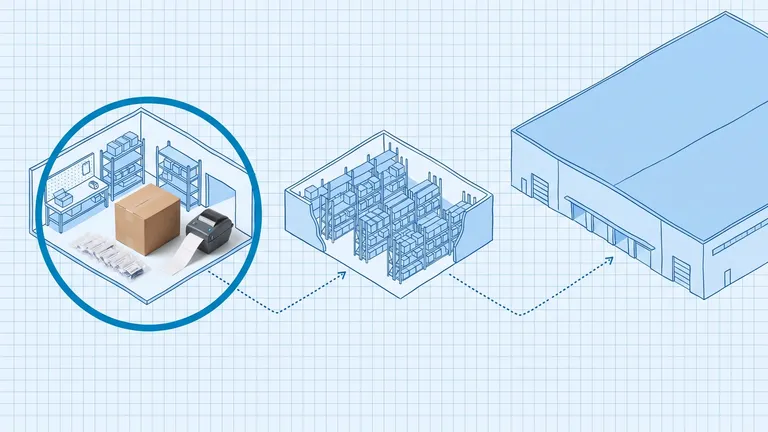
A warehouse management system (WMS) runs the physical execution layer of your warehouse. It answers three questions in real time: where is every item right now, what needs to happen next, and who should do it. From the moment a supplier truck pulls up to your dock to the moment a shipment label prints, the WMS is directing every step.
A warehouse management system (WMS) is operational software that coordinates the physical movement, storage, and fulfillment of goods inside a warehouse in real time.
That is the one-sentence definition. The rest of this guide explains what that actually looks like on the floor.
What Is a WMS Actually Doing Right Now?
Every second your warehouse runs, the WMS is making decisions. It watches inventory levels across every bin location, monitors inbound purchase orders, queues picking tasks for open orders, and tracks which workers are active on the floor.
The key distinction: a basic inventory app or spreadsheet records what already happened. A WMS directs what happens next.
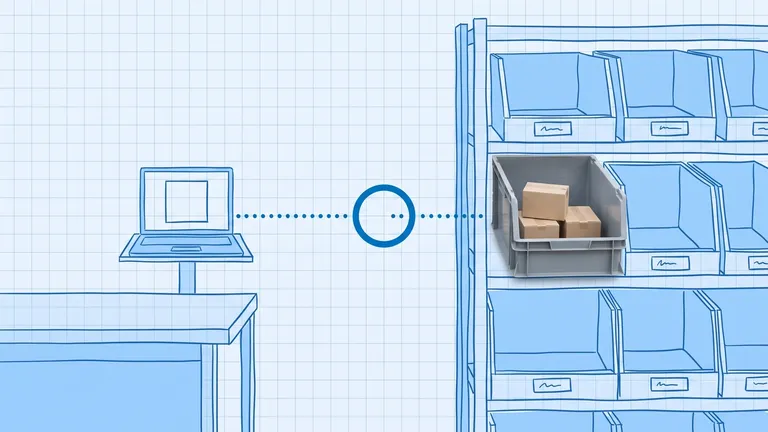
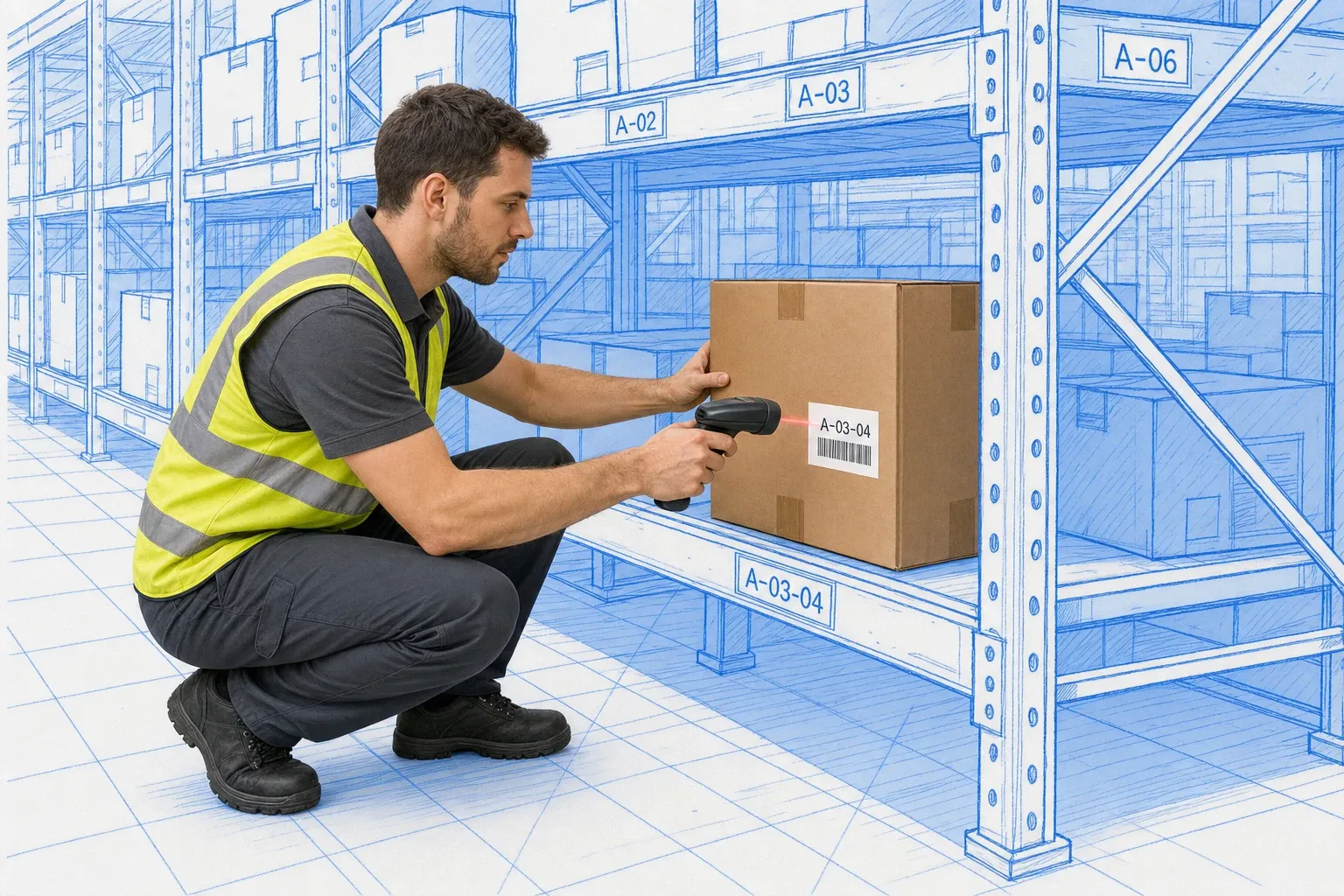
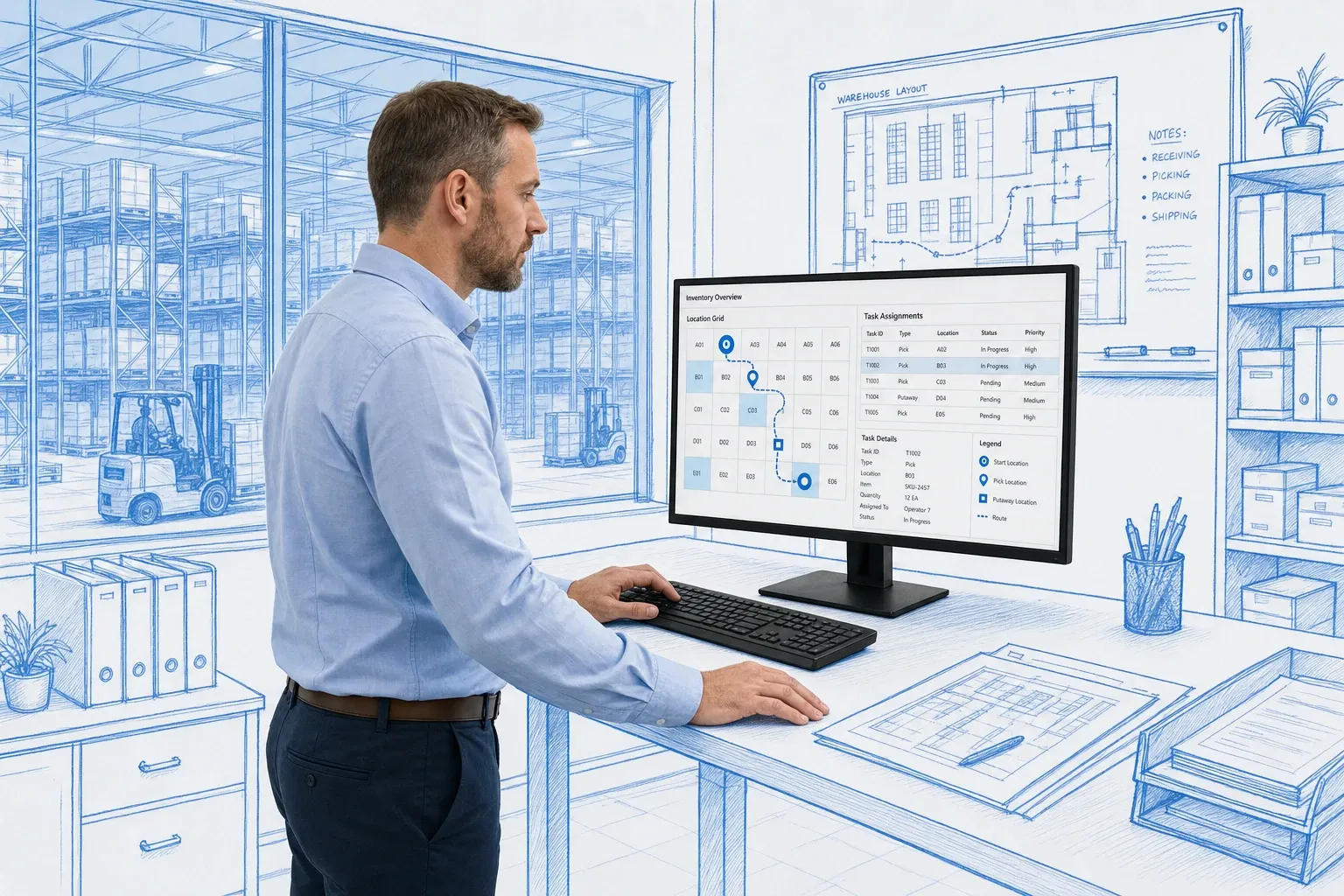
Your ERP knows you have 200 units of SKU-1023. Your WMS knows 60 of them are in bin A-03-04, 80 are in B-12-01, and 60 are in reserve row D. And when an order comes in for 15 units, the WMS decides which bin to pull from, optimizes the pick path, and sends a directed task to the next available worker.
What Happens When a Shipment Arrives?
When an inbound truck arrives at the dock, the WMS is already ahead of it.
If your supplier sends an advance ship notice (ASN), the WMS has pre-loaded the expected SKUs, quantities, and lot numbers before the doors open. A worker with a mobile scanner confirms each item against that expected receipt, and the WMS flags any discrepancy on the spot.
Once receiving is confirmed, the WMS calculates the putaway location for each item. It factors in velocity (fast-moving SKUs belong near pick faces), item dimensions (heavy items go low), and current slot availability. The worker does not guess. They follow a directed route to the exact bin.
If you have products that expire or require lot tracking, the WMS captures batch numbers and expiry dates at receiving and enforces your rotation rules, whether FIFO or FEFO, automatically at every downstream pick.
How Does a WMS Track and Manage Inventory?
Bin-level tracking is what separates a WMS from every other inventory tool. Your WMS does not just know warehouse totals. It knows the exact location of every unit.
Every physical movement, every pick, putaway, transfer, and adjustment, is confirmed by a barcode scan. That scan-confirmation loop is why WMS-managed warehouses consistently reach 98-99.5% inventory accuracy. Industry research from Gartner, Logistics Management, and the Warehousing Education and Research Council (WERC) shows that pre-WMS operations typically run at 75-85% inventory accuracy. After implementation, that figure rises to 98-99.5%.
For ongoing accuracy, the WMS runs cycle counting on a rolling schedule. Instead of shutting down for a full physical inventory, targeted counts of specific bins or SKUs happen continuously in the background. When the WMS flags a discrepancy between its records and what a worker scans, you address it immediately, not six months later.
If you want to understand how accuracy is measured and what it actually costs when it slips, the inventory accuracy guide has the full breakdown.
How Does a WMS Direct Picking and Shipping?
Picking is where WMS impact is most visible.
A worker with a handheld scanner or voice headset does not walk the warehouse guessing. The WMS sends a directed task: go to bin A-03-04, pick 3 units of SKU-1023, scan to confirm. It optimizes the pick path so the worker hits multiple locations in the most efficient sequence, grouping orders into waves, batches, or zones based on your volume and layout.
Every pick is scan-confirmed before the WMS marks the inventory as allocated. That confirmation step is what drives accuracy. A 2024 WERC DC Measures Study found that warehouses using directed work reported median order accuracy of 99.8%, compared to 98.2% for operations without directed work technology. For a warehouse shipping 1,000 orders per day, that difference translates to roughly 16 fewer errors per 1,000 orders, which directly reduces returns, chargebacks, and customer service calls.
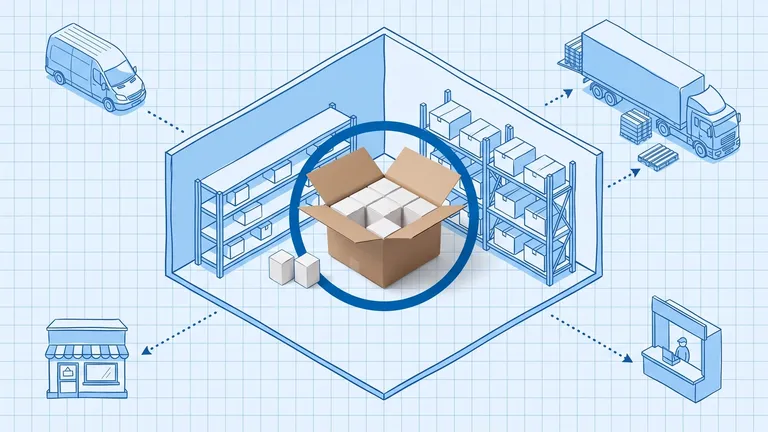
After picks are complete, the WMS hands off to packing. It tells packers which box size to use, whether to include inserts, and which orders can be consolidated. Once packed, it selects the shipping carrier and service level based on destination, weight, and delivery commitment, prints the label, and sends a shipment confirmation back to your storefront or ERP.
No one manually enters tracking numbers.
What Is a WMS Not?
This is worth being direct about, because there is a lot of confusion between systems.
A WMS is not an ERP. Your ERP handles financial transactions, purchasing, supplier management, and inventory valuation at the accounting level. A WMS handles physical execution inside your warehouse walls. They are complementary. Most operations run both, with the WMS sending accurate real-time inventory back to the ERP. For a side-by-side comparison, the WMS vs ERP guide explains where each system starts and stops.
A WMS is not an order management system (OMS). An OMS routes and prioritizes orders across your entire fulfillment network, deciding whether to fulfill from a warehouse, a store, or a 3PL. The WMS takes over once an order is assigned to your facility and manages the physical pick, pack, and ship from there.
A WMS is not basic inventory management software. Inventory software tracks quantities. A WMS tracks bin locations, directs labor, enforces scan confirmation at every step, and connects to automation hardware like conveyors and mobile robots. The operational depth is completely different.
Does a WMS Handle Returns?
Yes, and most operations underestimate how much a WMS helps here.
When a return arrives, the WMS prompts the receiving worker to inspect the item, record the reason, and assign a disposition: restock to a specific bin, quarantine for inspection, route to an overstock location, or mark for disposal. That decision happens at the point of return, not days later when someone finally gets around to checking the pile.
The result is that returned inventory re-enters your available pool quickly and accurately. Without directed returns processing, returned items often sit in a holding area for days, causing phantom inventory shortfalls (items physically in the building but not counted as available) and incorrect reorder signals.
How Does a WMS Manage Labor?
A WMS gives you real-time visibility into what every worker on your floor is doing.
When a task is assigned, the WMS timestamps it. When it is completed, the WMS records the time, the location, and the result. Over time, that data builds productivity benchmarks per worker, per task type, and per zone of the warehouse.
Operations managers can see at a glance if a zone is backed up, if a specific worker is flagging on accuracy, or if labor is concentrated in one part of the building while another area sits idle. Task balancing happens dynamically: when a worker finishes a wave, the WMS assigns the next highest-priority task automatically based on their current location.
This is why WMS implementations consistently show labor productivity gains of 20-35%. Workers are not more capable after go-live. They are just directed more efficiently.
How Does a WMS Connect to Your Other Systems?
A WMS sits at the center of your operational tech stack.
On the inbound side, it receives purchase orders and supplier ASNs from your ERP or procurement tools. On the outbound side, it sends order status updates and shipment confirmations back to your ecommerce storefronts, ERP, and carrier accounts.
Modern WMS platforms connect via API to Shopify, Amazon, QuickBooks, and major shipping carriers. When a pick is completed and inventory changes in the WMS, that update flows outward to your storefronts so your live channel inventory reflects what is actually on the shelf. Overselling stops being a constant fire to put out.
BinLogic WMS is built specifically for mid-market brands that need this execution depth without a nine-month implementation project. Real-time multi-channel sync, directed picking, bin-level tracking, and cycle counting come standard.
What Kind of ROI Does a WMS Deliver?
According to Gartner, WMS solutions are among the top five supply chain technologies being prioritized by operations leaders, with ROI typically achievable within 18 to 24 months. The primary value drivers are labor productivity (typically a 20-35% improvement), inventory accuracy, and order error reduction.
For a mid-size distribution center processing 1,000 orders per day, a 1% improvement in order accuracy alone represents roughly $150,000 to $300,000 in annual savings, factoring in returns, restocking labor, and customer chargebacks.
The system also reduces labor costs per unit shipped. When picks are directed and paths are optimized, workers cover more ground with less backtracking. Your throughput grows without a proportional headcount increase.
If you are still running your warehouse on spreadsheets and ad hoc processes, these 7 signs you have outgrown your spreadsheet are worth reading before your next busy season hits.
The Short Version
A WMS does six things well: it receives and validates inbound goods, stores them in the right location, tracks every unit at the bin level, directs picking along optimized paths, manages packing and shipping, and keeps your inventory counts accurate in real time.
Everything else, the ERP integrations, the carrier connections, the mobile app on the warehouse floor, exists to support those six things. That is what a WMS actually does.
Frequently asked questions
What is the main purpose of a warehouse management system?
A WMS controls the physical flow of goods inside your warehouse. It tells workers where to put items when they arrive, directs them to the correct bin during picking, confirms every scan against the open order, and sends shipment confirmations back to your ERP or storefront. The goal is to make every warehouse movement trackable and optimized in real time.
Does a WMS replace an ERP?
No. An ERP manages financials, purchasing records, and inventory valuation at the business level. A WMS handles physical execution inside your warehouse, which bins items are in, which worker picks which order, and how tasks are sequenced minute to minute. Most operations use both, with the WMS feeding accurate real-time inventory back into the ERP.
What processes does a WMS actually automate?
A WMS automates the decision-making around receiving (where to put away each SKU), replenishment (when a pick face runs low), picking (which route and bin), packing (which box size, which inserts), and shipping (which carrier, which label). Workers still handle the physical tasks, but the WMS removes the guesswork and paper lists entirely.
How does a WMS improve inventory accuracy?
Every movement is scan-confirmed. When a worker picks an item, they scan the bin barcode and the item barcode before the WMS records the move. This creates a real-time audit trail that catches discrepancies immediately rather than at the next full count. Industry data consistently shows WMS-managed warehouses reach 98-99.5% inventory accuracy, versus 75-85% for manual operations.
When does a warehouse actually need a WMS?
The most common triggers are: more than two or three stock locations, recurring inventory discrepancies, picking errors driving customer returns, labor that scales up with volume instead of staying flat, and multi-channel selling that requires inventory split across several platforms simultaneously.
Plan the route. We deliver the rest.
See how Binlogic powers last-mile logistics — routing, tracking, and the platform that turns the plan into the package on the doorstep.
Book a callback