
















WMS vs OMS vs ERP: Which System Does Your Ecommerce Brand Actually Need?
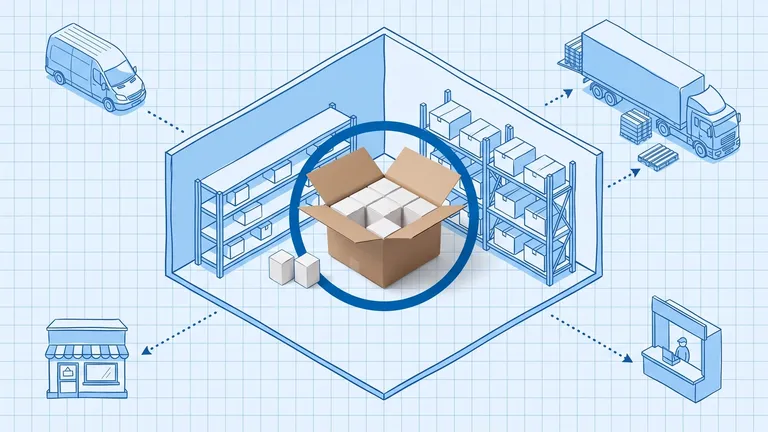
An ERP owns your financial ledger, an OMS owns the order across channels, and a WMS owns the physical unit on the shelf. They overlap, but only one should be the source of truth for any given piece of data. Blurring those lines is what creates two versions of the truth.
You're growing. Orders are multiplying. The spreadsheet holding everything together is starting to crack.
So you go looking for software, and immediately hit a wall of three-letter acronyms that all seem to do "inventory" and "fulfillment" and "operations." WMS, OMS, ERP. Every vendor claims to solve your problems. Some claim to replace the others. A few claim to do all three.
Here's the honest take: these are three distinct systems built for three distinct jobs. Mixing them up costs money — either by buying the wrong thing too early, or by not buying the right thing until you're already in operational crisis. The sequencing question is where most brands get burned, because the software vendors will happily sell you the wrong layer if you don't know what question to ask.
This guide breaks down what each system actually does, where they overlap, and — most importantly — which one your brand needs right now based on where you are in growth.
What Is an OMS (Order Management System)?
An Order Management System is the nerve center for customer-facing order flow. From the moment a customer clicks "Buy Now" until the carrier scans the package out the door, an OMS tracks every handoff.
The core job of an OMS:
- Receive orders from every sales channel — Shopify, Amazon, Walmart, eBay, TikTok Shop, your wholesale portal — and consolidate them into one queue
- Apply routing logic to decide which warehouse or 3PL should fulfill each order, based on proximity, inventory levels, shipping cost, and carrier availability
- Maintain a single inventory truth across all channels so you're never overselling on Amazon while Shopify shows stock available
- Track orders end-to-end and push status updates back to each channel
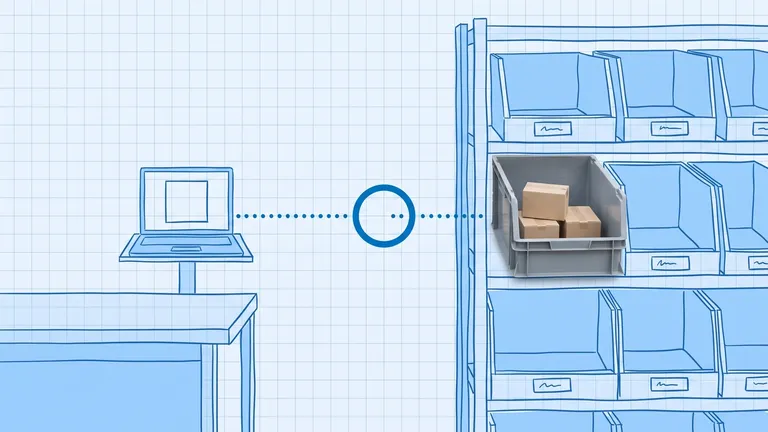
What an OMS does not do: it doesn't track physical inventory movement inside a warehouse. It knows you have 200 units of SKU-XYZ on hand. It does not know those units are in bin A3, waiting to be picked, or currently sitting in a receiving queue. That's warehouse-level visibility — and that's a WMS.
An OMS also isn't your accounting system. It doesn't book revenue, manage payables, or generate financial statements. That's ERP territory.
For most ecommerce brands doing $500K–$10M in GMV and selling across multiple channels, an OMS is the first piece of infrastructure that genuinely pays for itself. The ROI is direct: fewer oversells, lower customer acquisition cost from better fulfillment (fewer refunds, better reviews), and hours per week reclaimed from manual order routing.
What Is a WMS (Warehouse Management System)?
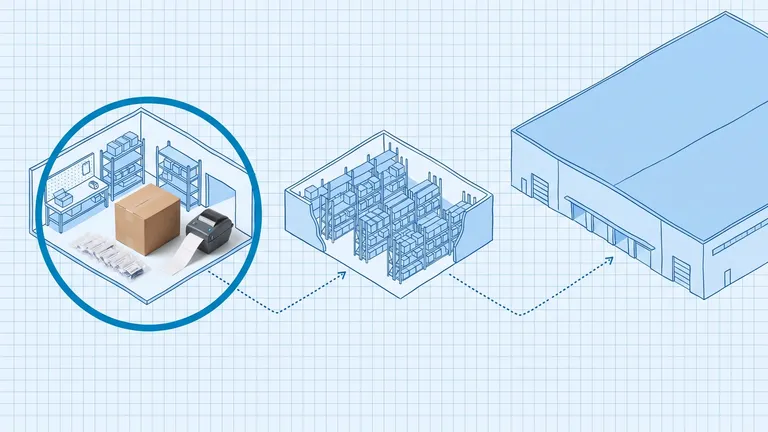
A Warehouse Management System lives entirely within the four walls of your warehouse. Its job is to optimize every physical movement from receiving dock to outbound carrier.
The core job of a WMS:
- Receiving and putaway: Scan inbound shipments, validate against POs, assign bin locations according to velocity and pick zone logic
- Directed picking: Generate optimized pick paths for pickers, reducing walk time by 20–40% in a well-configured WMS
- Packing and shipping: Guide packers through box selection, label printing, and weight verification
- Cycle counting: Schedule and execute rolling inventory counts without shutting down operations
- Labor management: Track pick rates by associate and surface productivity gaps
A WMS operates at a level of granularity that most growing ecommerce brands don't need — and genuinely cannot act on. If you have one warehouse with a team of five people who all know where everything lives, a WMS adds configuration overhead without adding value. You will spend three months mapping bin locations for a warehouse that reorganizes itself quarterly as your SKU mix shifts.
The WMS inflection point is typically when you cross 400–500 orders per day, have multiple pickers working simultaneously, and find yourself solving for "we're losing inventory inside the building" rather than "we're losing inventory across channels." At that stage, a WMS pays back through inventory accuracy improvements — the typical lift runs from 78% to 99%+ accuracy — and pick productivity gains that offset the labor cost at your volume.
What Is an ERP (Enterprise Resource Planning)?
An ERP is a company-wide operating system. It unifies financials, procurement, HR, manufacturing, and operations into one data model. Everything runs through the same ledger, and every department sees the same numbers.
The core job of an ERP:
- Financial management: General ledger, accounts payable, accounts receivable, financial reporting
- Procurement: Purchase order management, supplier relationships, landed cost calculation
- Manufacturing (if applicable): Bill of materials, production planning, work orders
- Inventory at a financial level: Inventory valuation, COGS, inventory turns — but at an accounting layer, not a physical-location layer
- HR and payroll in larger implementations
ERPs are notoriously complex and expensive to implement. The reason is architectural: they're built to be a single source of truth for the entire business, which means every process has to be mapped, every integration configured, every customization maintained. A typical Tier 2 ERP implementation (NetSuite, Acumatica, Sage) takes six to eighteen months and requires a dedicated project team.
The ERP question for ecommerce brands is usually when, not if. The answer correlates closely with revenue, inventory complexity, and financial reporting requirements. A brand doing $3M on Shopify doesn't need an ERP. A $25M brand with multiple product lines, international warehouses, and investors asking for audited financials probably does.
Until you need unified financial reporting and procurement at scale, an ERP is expensive infrastructure that slows you down more than it helps.
WMS vs OMS vs ERP: Side-by-Side Comparison
Dimension | OMS | WMS | ERP |
|---|---|---|---|
Primary job | Route and track orders across channels | Optimize inventory movement inside a warehouse | Unify financials, procurement, and operations company-wide |
Inventory visibility | Across channels (how many, where allocated) | Inside warehouse (exact bin, pick status, counts) | Financial layer (valuation, COGS, turns) |
Who uses it daily | Customer service, operations managers, marketers | Warehouse pickers, packers, receiving staff, supervisors | Finance team, accountants, C-suite |
Integration points | Sales channels, carriers, 3PLs, WMS | OMS, carrier APIs, label printers, barcode scanners | OMS, WMS, bank feeds, AP/AR systems |
When you need it | 2+ sales channels, growing order volume | 500+ orders/day in owned warehouse | Approaching $15–25M, audit requirements |
Time to go live | 2–8 weeks | 3–12 months | 6–24 months |
Typical monthly cost | $500–$5,000 for mid-market | $1,000–$15,000 | $2,000–$25,000+ |
What it won't do | Track bin-level location, process payroll | Route multi-channel orders, book revenue | Route customer orders, assign pick paths |
Where WMS, OMS, and ERP Overlap — and Where They Don't
The confusion between these systems is largely because they each touch inventory — just at completely different levels of abstraction.
The overlap zones:
OMS and WMS share the fulfillment handoff. An OMS sends a fulfillment request to the WMS; the WMS executes the pick-pack-ship and sends a shipment confirmation back. The integration between them is critical: without it, your OMS doesn't know an order shipped, and your WMS doesn't know what orders to prioritize. When this integration breaks, orders get stuck in limbo.
OMS and ERP share inventory valuation and financial reconciliation. An OMS tracks units; an ERP tracks the dollar value of those units. A well-integrated stack syncs inventory counts from the OMS to the ERP nightly (or in real time), so the ERP balance sheet always reflects current inventory position. Without this sync, finance is always chasing a number that accounting and operations can't agree on.
WMS and ERP share purchase order receiving. When a PO arrives and the WMS receives it, that receipt needs to flow to the ERP to update accounts payable and inventory valuation. If they don't talk, receiving becomes a manual reconciliation exercise every month-end.
Where they genuinely don't overlap:
An OMS cannot replace a WMS. It knows you have inventory; it doesn't know where it is inside a building or how efficiently it's being moved.
A WMS cannot replace an OMS. It can process orders given to it, but it has no concept of multi-channel routing, channel-specific inventory allocation, or marketplace compliance requirements.
An ERP cannot replace either. Modern ERPs have "light" OMS and WMS modules, but these are built for financial control, not operational throughput. A brand processing 500+ daily orders will hit the ceiling of an ERP's order module fast.
The Sequencing Framework: Which System First, and When?
Growth stage determines which system you need — and which ones are premature.
$0–$2M GMV: Minimal infrastructure
Your Shopify admin, a simple 3PL portal, and a well-maintained spreadsheet are usually sufficient. The operational pain at this stage is real but manageable. The right investment here is in product-market fit and marketing, not in software that you'll either outgrow or that constrains how you operate as you iterate.
If you're already on two or more channels and feeling the oversell and routing pain, this is when an OMS becomes worth it — earlier than most people expect.
$2M–$10M GMV: OMS first
This is the primary zone where an OMS pays dividends. You're likely on Shopify plus Amazon (or Walmart, or eBay), you have consistent order volume, and the manual coordination between channels is eating hours and creating errors. An OMS at this stage:
- Eliminates oversells across channels
- Automates routing to your 3PL or fulfillment center
- Gives you one view of inventory instead of logging into four dashboards
- Scales with you without requiring proportional headcount increases
A WMS at this stage is premature unless you're operating your own warehouse with 15+ people. If you're using a 3PL, the 3PL has their own WMS — you don't need to duplicate it.
An ERP at this stage is almost always premature. The implementation cost and operational drag will slow you down more than unified financials help.
$10M–$25M GMV: OMS plus WMS if you own your warehouse
If you've brought fulfillment in-house and are processing 300–600+ orders per day with multiple pickers, this is when a WMS earns its cost. The pick accuracy improvement alone typically justifies it within the first year — at volume, even a 2% pick error rate creates substantial customer service and reverse logistics expense.
At this revenue level, you may begin ERP evaluation, especially if audit requirements or investor reporting needs are growing. But most brands defer full ERP implementation until revenue is stable at this level.
$25M+ GMV: Full stack
At this stage, the question shifts from "which system do I need?" to "how do these three systems talk to each other?" A mature ecommerce operation typically runs all three:
- OMS for multi-channel order flow and routing
- WMS for warehouse operations (unless fully outsourced to a 3PL)
- ERP for financial consolidation and procurement
The integration architecture between these three becomes a significant engineering investment and a key operational risk. Integration failure between layers is one of the most common causes of operational meltdowns during rapid growth.
Where OmniOrders Fits: The OMS Layer
OmniOrders is an order management platform. It sits at the OMS layer — the connective tissue between your sales channels and your fulfillment operations.
What OmniOrders does:
- Unifies orders from Shopify, Amazon, Walmart, eBay, TikTok Shop, WooCommerce, BigCommerce, and Etsy into a single queue
- Routes each order to the right fulfillment location based on inventory levels, shipping cost, and carrier rate shopping
- Maintains a single inventory truth across all channels to prevent oversells
- Connects to 3PLs and fulfillment networks without requiring you to manage the WMS inside each partner's warehouse
- Automates fulfillment workflows so orders move without manual intervention
What OmniOrders does not claim to do: WMS-level bin management, ERP-level financial accounting, or manufacturing planning. The product is purpose-built for multi-channel ecommerce order operations. When a brand needs WMS capabilities, OmniOrders integrates with warehouse systems rather than replacing them. When a brand needs ERP, OmniOrders syncs order and inventory data rather than duplicating financial functionality.
This distinction matters. Point-solution vendors who claim to "do it all" typically do several things adequately but none of them exceptionally. A brand at $5M processing 1,000 daily orders across five channels needs exceptional order routing — not a mediocre financial module bolted onto the side.
How These Systems Integrate
A modern ecommerce tech stack at $10M+ typically looks like this:
Sales channels → OMS → (WMS if owned warehouse) → Carriers
In parallel:
OMS → ERP (inventory sync, revenue sync) WMS → ERP (receiving sync, PO confirmation)
The integration quality between layers determines operational reliability. When OMS-to-WMS integration fails, orders get stuck. When OMS-to-ERP sync breaks, accounting is always chasing the real number. When WMS receiving doesn't flow to ERP, the balance sheet is wrong.
Choosing systems with pre-built integrations dramatically reduces this risk. OmniOrders maintains native integrations with major carrier networks, marketplaces, and 3PL partners, and exposes open APIs for custom ERP connections. If you're evaluating a WMS for your owned warehouse, ask these three questions before you commit:
- Is the integration with our OMS pre-built and maintained by your team, or do we build it ourselves?
- How does the integration handle errors and failed syncs?
- What's the latency — real-time or batch?
The answers tell you more about operational risk than any feature checklist.
Frequently Asked Questions
What's the difference between WMS and OMS?
An OMS manages orders across your sales channels — routing, tracking, and channel inventory. A WMS manages physical inventory inside a warehouse — receiving, picking, packing, and bin location. They work together but solve different problems. Most growing ecommerce brands need an OMS first; a WMS becomes relevant when you operate your own warehouse at significant volume.
Can an ERP replace an OMS?
Not effectively for multi-channel ecommerce. ERPs have OMS-like modules, but they're built for financial control rather than operational throughput. An ERP's order module typically cannot handle the multi-channel routing complexity, marketplace-specific compliance rules, or order volume that a purpose-built OMS handles as its core function.
My 3PL has a WMS — does that mean I don't need one?
Correct. When you use a 3PL, they operate the WMS inside their warehouse. You don't need to duplicate that capability. What you do need is an OMS that talks to the 3PL's systems — sending orders in and receiving shipment confirmations out.
When should I invest in an ERP?
Most ecommerce brands don't need an ERP until $15–25M GMV, when financial reporting complexity, procurement at scale, and audit requirements justify the implementation cost. Signs you're approaching ERP readiness: your finance team is running month-end close in spreadsheets, you have multiple entities or international warehouses, or investors are asking for GAAP-compliant financials.
Is OmniOrders an ERP?
No. OmniOrders is an OMS. It manages order flow and multi-channel inventory — it does not process payroll, book revenue in a general ledger, or manage purchase orders for procurement. When OmniOrders customers grow into ERP territory, OmniOrders syncs data to their ERP rather than replacing it.
What happens if I buy a WMS before an OMS?
You'll have solid visibility into what's happening inside your warehouse but no visibility into what's happening across your sales channels. You'll still be manually reconciling orders from Shopify, Amazon, and eBay. You'll still risk overselling. The WMS solves the inbound warehouse problem; you'll quickly realize you still need to solve the outbound multi-channel problem.
Can a single system do WMS and OMS?
A few vendors offer combined OMS+WMS functionality. These can work well if your operations are primarily in-warehouse, but they typically aren't the best-in-class solution for either function individually. As you scale, the tradeoff between integration simplicity and functional depth usually tips toward best-in-class systems with strong pre-built integrations between them.
What's the right tech stack for a $5M ecommerce brand?
At $5M with multiple sales channels, most brands are well-served by: a solid ecommerce platform (Shopify), an OMS for multi-channel order management, and a 3PL with its own WMS. You don't need to own warehouse infrastructure, and you don't need ERP-level financial complexity. The OMS is the highest-leverage addition at this revenue level.
Ready to eliminate oversells and automate order routing across all your channels? [See how OmniOrders works →](/demo)
Frequently asked questions
Do I need all three systems?
Not always. Small operations often run an ERP or accounting tool plus a WMS, with order logic handled by the sales channels. You add an OMS when orders span multiple channels and you need one place to route and track them. The trigger is complexity, not revenue.
Can a WMS replace an ERP?
No. A WMS manages physical inventory and warehouse tasks. It doesn't handle accounting, payroll, or the financial ledger an ERP is built for. They solve different problems and most operations eventually run both.
Which system is the source of truth for inventory?
For physical on-hand quantity at a location, the WMS. For available-to-sell across channels, the OMS reading from the WMS. The ERP holds the valued inventory figure for finance. Problems start when two systems both think they own the same number.
Plan the route. We deliver the rest.
See how Binlogic powers last-mile logistics — routing, tracking, and the platform that turns the plan into the package on the doorstep.
Book a callback