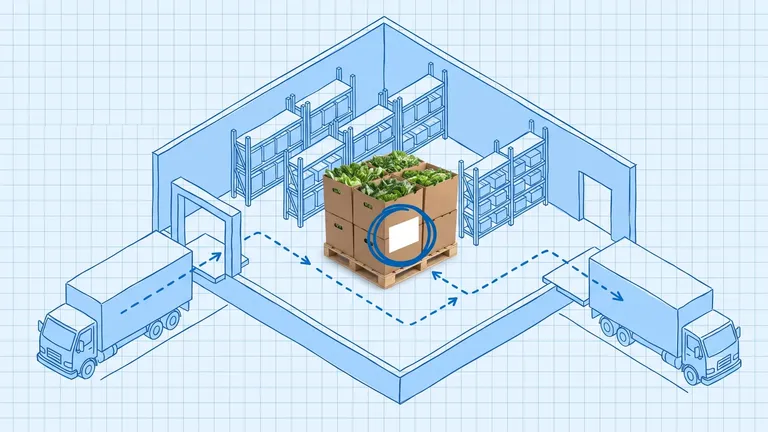
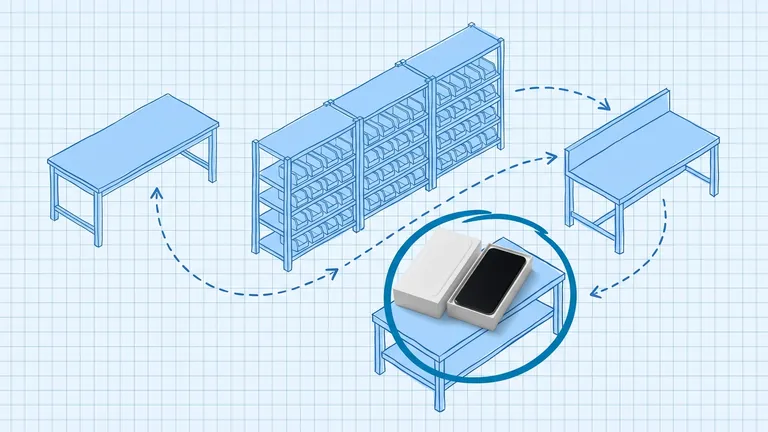
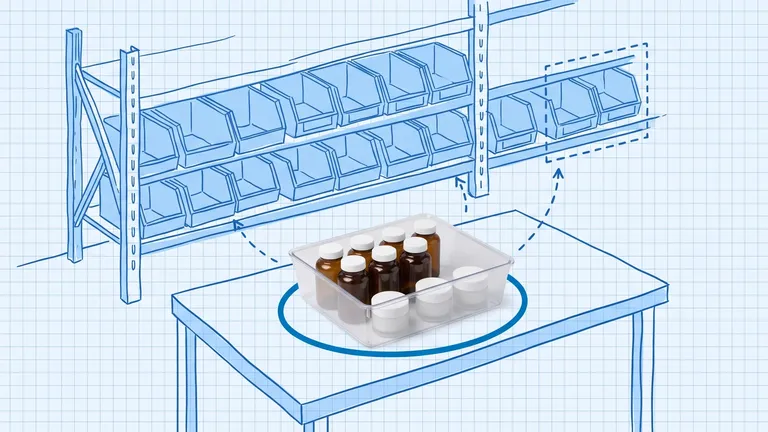
WMS Implementation: A 12-Week Playbook
A mid-market WMS implementation typically takes about 12 weeks when you treat it as a structured project, not a software install. This playbook walks you from discovery and data cleanup through configuration, pilot, go-live, and hypercare so you hit your accuracy and throughput targets without freezing the floor.
A mid-market warehouse can implement a cloud WMS in about 12 weeks when you treat the work as a project with clear owners, clean data, and a phased go-live. The install itself is the easy part. The hard part is mapping real floor workflows, migrating accurate masters, training by role, and proving the system under live orders before you cut over the whole building.
A WMS implementation guide is a week-by-week plan that takes your warehouse from current-state discovery through configuration, pilot, go-live, and post-launch hypercare.
That framing matters because most projects do not fail on feature gaps. According to reporting that cites Gartner, only about 24 percent of WMS implementations fully achieve their stated objectives in the first year. Gartner's Logistics Functional Transformation Survey also found that 76 percent of logistics transformation projects miss budget, timeline, or KPI targets. A disciplined 12-week playbook will not guarantee success, but it gives you a fighting chance against the usual failure modes: dirty data, fuzzy ownership, and a go-live that arrives before the floor is ready.
If you are still choosing software, start with our mid-market buying guide and WMS cost breakdown. This post assumes you have already selected a system and need a practical path to live.
What does a realistic WMS implementation timeline look like?
Vendor demos love the phrase "live in weeks." Sometimes that is true. More often, the quote assumes clean SKUs data, one warehouse, a short integration list, and a team that can free up time during the day.
Use these ranges as a sanity check:
- Small, simple cloud WMS: about 6 to 12 weeks
- Mid-market single site: about 8 to 16 weeks (the 12-week plan below)
- Multi-site or heavy customization: 6 to 12+ months
Cloud deployments usually beat on-premise timelines because you skip hardware provisioning and long IT buildouts. On-premise or heavily customized stacks often add weeks before configuration even starts.
The 12-week playbook below is sized for a mid-market brand running one primary warehouse, ecommerce or wholesale order volume, barcode scanning, and one or two core integrations (ERP or accounting, plus a storefront or OMS). Stretch any phase if your SKU count, location map, or integration list is messier than you think.
Who owns the WMS implementation project?
Name a single internal project lead with authority before week one. That person does not need to know every WMS screen. They need the power to lock scope, pull floor time for testing, and say no to last-minute custom requests.
Build a small core team:
- Executive sponsor: clears budget blockers and protects the go-live date
- Ops lead / project owner: owns the weekly plan and decision log
- Inventory / data owner: cleans SKU masters, locations, and barcodes
- IT / integrations owner: maps ERP, storefront, and label flows
- Floor champions: one receiver, one picker or packer, one supervisor who will train peers
- Vendor CSM or implementer: configures the product and runs workshops
If the vendor is also acting as the only project manager, you are under-resourced on your side. The highest-risk workstreams (data, testing, change management) are yours.
Weeks 1 to 2: How do you kick off discovery without freezing the floor?
Spend the first two weeks documenting how work actually happens, not how the SOP binder says it happens.
Map the current state
Walk receiving, put-away, replenishment, picking, packing, shipping, and returns with a clipboard or screen recorder. Capture exceptions: short receipts, damaged goods, partial picks, wave changes, and "we just fix it in the spreadsheet" moments. Those exceptions become your test cases later.
Lock success metrics
Pick three to five KPIs you will defend at go-live and at day 30. Common mid-market targets:
- Inventory accuracy (by location, not just by SKU)
- Dock-to-stock time
- Lines picked per labor hour
- Order cycle time or on-time ship rate
- Shrinkage or adjustment volume
Write the baseline numbers now. You cannot prove ROI later if you never measured the before state.
Freeze scope for phase one
Phase one should cover core inventory and order execution: receiving, locations, put-away, picking, packing, shipping, basic cycle counts, and the must-have integrations. Park yard management, advanced labor scoring, and exotic automation for phase two. Scope creep in week two becomes a three-month delay in week ten.
Weeks 3 to 4: What data cleanup actually belongs in a WMS project?
Data quality decides whether your new WMS feels like control or chaos. Nucleus Research found that 46 percent of organizations increase inventory accuracy within a year of WMS deployment, with an average accuracy lift of about 20 percent. That gain only shows up if the masters you load are trustworthy.
Prioritize this cleanup list:
- SKU master: active items only, consistent naming, correct UOM conversions
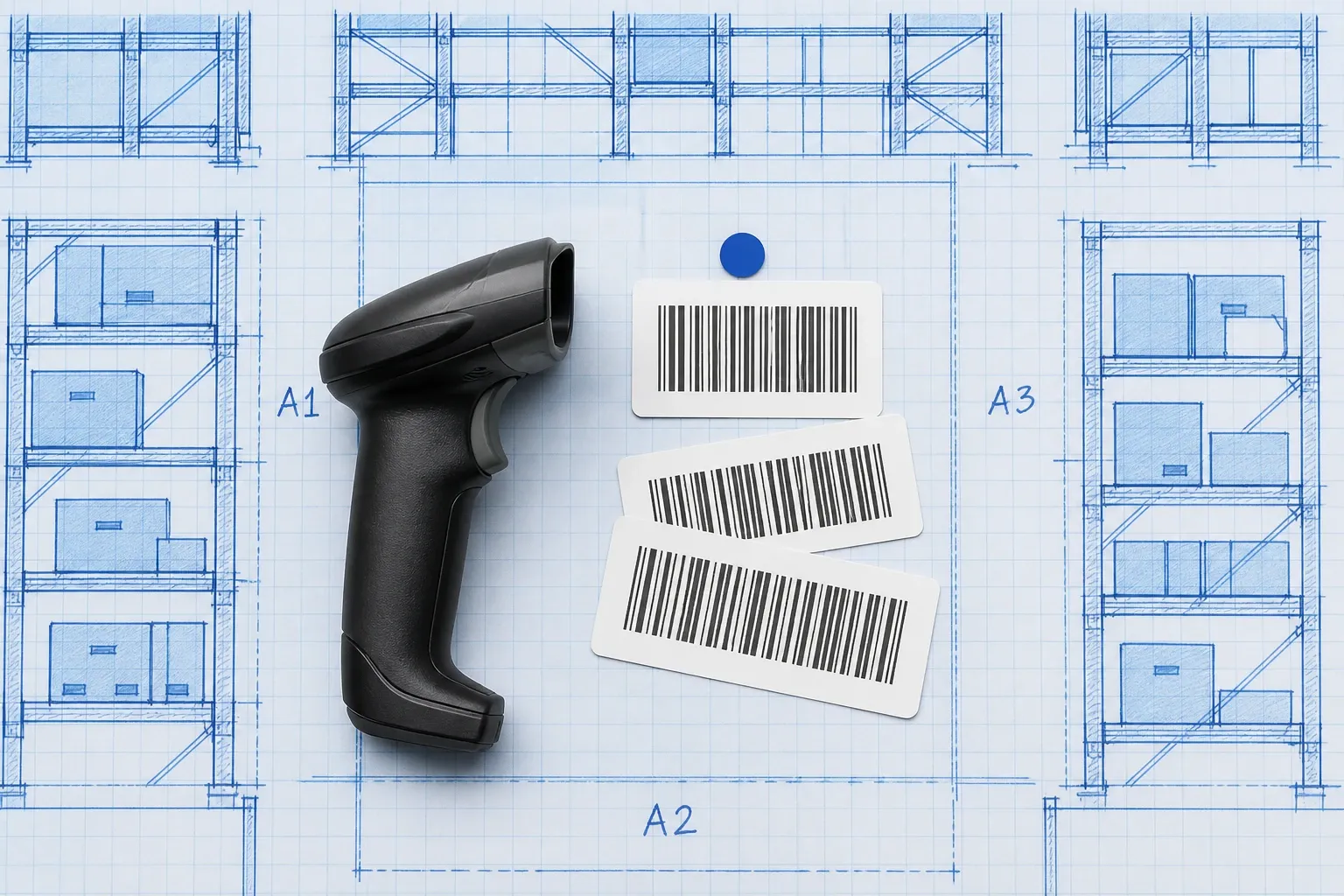
- Barcodes: one primary barcode per sellable unit, no orphaned UPCs
- Locations: every bin, shelf, and staging lane coded and labeled
- On-hand balances: count or reconcile before cutover if accuracy is weak
- Open POs and in-transit stock: decide what migrates vs. what closes in the old system
- Customer or channel rules: lot, FEFO, serial, or kit requirements that change pick logic
If accuracy sits below roughly 90 percent, schedule a focused count before migration. Loading bad balances into a WMS does not create visibility. It creates faster wrong answers.
Weeks 5 to 7: How should you configure and integrate the WMS?
Configuration is where the mapped process becomes system behavior. Keep decisions written down. Every "we will decide later" item becomes a go-live surprise.
Configure for the floor you have
Set up warehouses, zones, bin locations, user roles, receiving workflows, pick strategies, pack stations, and cycle count rules. Match the system to the process you agreed in discovery, not to every optional module in the sales deck.
Tools like BinLogic WMS are built for mid-market floors that need barcode-driven inventory and multi-channel stock control without a six-month custom build. Even with a fit-for-purpose product, you still need to configure locations, roles, and integrations carefully so day-one picks match how your team actually works.
Integrate only what phase one needs
Typical phase-one connections:
- ERP or accounting for inventory valuation and PO receipts
- Storefront or OMS for order intake and inventory sync
- Shipping carrier or label tool for rate shopping and tracking
Define the system of record for on-hand inventory before anyone writes a mapping spreadsheet. Ambiguous ownership here is a classic oversell and adjustment generator.
Train early, by role
Do not wait for a single classroom day in week 11. Start role-based walkthroughs during configuration so receivers, pickers, and supervisors see their screens while workflows are still flexible. Generic all-hands training wastes time because each role uses a different slice of the product.
Weeks 8 to 9: Why does a pilot beat a big-bang cutover?
A pilot is your cheapest insurance policy. Run live or near-live volume through a limited slice of the operation: one zone, one sales channel, one pick path, or one shift.
What the pilot must prove
- Receipts land in the right location with the right quantity
- Inventory sync does not create phantom stock on channels
- Pickers can complete standard orders without paper workarounds
- Exceptions (shorts, damages, cycle count adjustments) have a clear owner
- Labels and packing slips print without a tribal knowledge ritual
Capture every workaround. If the team invents a spreadsheet because the WMS path is awkward, fix the config or the process before you expand. Zebra Technologies research has reported that a large share of warehouse leaders still see manual workarounds after go-live. Your job in the pilot is to catch those habits while the blast radius is small.
User acceptance testing checklist
Run scripted scenarios for happy path and ugly path:
- PO receipt with overage and shortage
- Put-away to primary and overflow locations
- Single-line and multi-line picks
- Partial shipment and backorder
- Return to stock
- Blind or directed cycle count
- Channel inventory update after a receipt and after a ship
Sign off in writing. Informal "looks fine" approvals are how silent defects reach Black Friday.
Weeks 10 to 11: How do you prepare the floor for go-live?
These two weeks are about readiness, not new features.
Cutover plan
Write a timed cutover checklist:
- Final inventory snapshot and freeze rules
- Data migration window and validation queries
- Parallel-run rules if you keep the old system briefly
- Communication plan for sales, CS, and 3PL partners
- Rollback criteria (what would force you to pause)
Avoid peak weeks. A quiet Tuesday beats the Monday before a promo.
Hardware and labels
Confirm scanners, printers, Wi-Fi coverage in racking, spare batteries, and label templates. A perfect configuration still fails if aisle G has no signal and pack station 2 cannot print.
Peer trainers
Ask your floor champions to run short shadow sessions. People learn faster from a trusted picker than from a slide deck. Keep a one-page quick reference at each station for the first two weeks.
Week 12: What does a controlled WMS go-live look like?
Go-live is an operations event, not an IT ceremony.
Staff the floor with extra coverage for receiving and packing. Keep the vendor or implementer on a live channel. Track a short scoreboard every two hours for day one: orders released, picks completed, inventory adjustments, sync errors, and open tickets.
Decide in advance who can approve emergency process changes. Panic configuration in the middle of a shift creates permanent tribal rules.
If something critical breaks, use your rollback or hold criteria. Pushing through a broken inventory sync to "stay on schedule" usually costs more than a two-day delay.
Weeks 13 to 14: What should hypercare actually include?
Hypercare is the two weeks after go-live when you protect adoption and kill workarounds.
Hold a short daily standup with ops, inventory, and the vendor. Review:
- Accuracy and adjustment spikes by location
- Orders stuck in exception queues
- Integration error logs
- Training gaps by role
- Feature requests vs. true defects
Optimize only after the core path is stable. Adding wave logic or a new pick method during week one of hypercare mixes two change curves and confuses the floor.
By day 30, compare your KPIs to the baselines from weeks 1 and 2. That report is what finance and leadership need to believe the project worked.

What are the most common WMS implementation mistakes?
Avoid these patterns. They show up in almost every delayed project:
- Buying before cleaning data. Selection theater burns months while SKU masters stay broken.
- No empowered internal owner. Vendor PMs cannot clear your internal priorities.
- Customizing instead of configuring. Custom code slows upgrades and hides process debt.
- Training once, right before go-live. Muscle memory needs practice reps.
- Skipping a real pilot. Lab demos do not equal live order pressure.
- Going live into peak. Peak amplifies every defect.
- Declaring victory on day one. Without hypercare, workarounds quietly rebuild the old system.
How do you adapt the 12-week WMS implementation guide to your warehouse?
Shrink the plan if you have fewer than a few thousand SKUs, one channel, and clean barcodes. Expand it if you have multiple buildings, lot or serial tracking, wholesale plus DTC, or a brittle legacy ERP.
A useful rule: every major integration, every unclean data domain, and every undeclared process exception adds time. Budget that time up front instead of discovering it in week ten.
If you are early in the journey and still defining what a WMS should own, read what is a warehouse management system first, then come back to this playbook when the vendor is selected.
Closing: start with the calendar, not the feature list
A successful WMS implementation is less about the longest feature checklist and more about sequence. Discover the real process. Clean the data. Configure only phase one. Pilot under pressure. Cut over with a scoreboard. Stay close during hypercare.
Twelve weeks is aggressive but achievable for many mid-market cloud rollouts when leadership protects the plan. If your operation is more complex, keep the same phases and give each one more room. The structure still holds.
When you are ready to see how a mid-market WMS handles barcode inventory, locations, and multi-channel stock without a year-long custom project, talk to the BinLogic team about a walkthrough that maps to your floor, not a generic demo script.
Frequently asked questions
How long does WMS implementation take for a mid-market warehouse?
Most mid-market, single-site cloud WMS projects land in the 8 to 16 week range when data is reasonably clean and integrations are limited. A practical 12-week plan covers discovery, configuration, pilot, go-live, and hypercare. Multi-site or heavily customized builds often stretch past six months.
What causes most WMS implementations to fail?
The software is rarely the problem. Failures usually come from dirty master data, weak executive sponsorship, skipped user acceptance testing, and training that stops at a slide deck. Gartner research puts full first-year success well below half of projects, which is why client-side governance matters as much as vendor configuration.
Should you do a big-bang go-live or a phased WMS rollout?
Prefer a phased rollout whenever you can. Pilot one zone, channel, or process path first, prove that receiving, put-away, picking, and shipping stay accurate, then expand. Big-bang cutovers only make sense for small, simple warehouses with clean data and a short list of integrations.
What should you clean up before WMS go-live?
Clean SKU masters, bin locations, units of measure, barcodes, and open purchase orders before you migrate. If inventory accuracy sits below about 90 percent, run a focused physical or cycle count first. Bad data in a new WMS just moves errors faster.
Do you need an ERP integration before going live on a WMS?
You need a clear inventory and order handoff plan, even if the full ERP sync ships in a later phase. At minimum, define how stock levels, receipts, and shipments move between systems on day one. Native or well-tested connectors reduce risk compared with one-off custom code.
Run your warehouse without losing a single unit.
Binlogic is the warehouse management system for brands and retailers who run their own fulfillment. Receive, count, pick, pack and ship, with every move scanned. See it in a 30-minute demo.
Get a demo